
Looking for the best Epson EcoTank printer in Jordan? EcoTank printers have become the most popular choice for homes, students and offices because they replace expensive cartridges with large, refillable ink tanks. The result is a much lower cost per page, fewer interruptions and less waste. But with several models available – from compact A4 all-in-ones to A3+ photo printers – choosing the right one can be confusing.
اقرأ هذا الدليل بالعربي: أفضل طابعة ابسون في الأردن
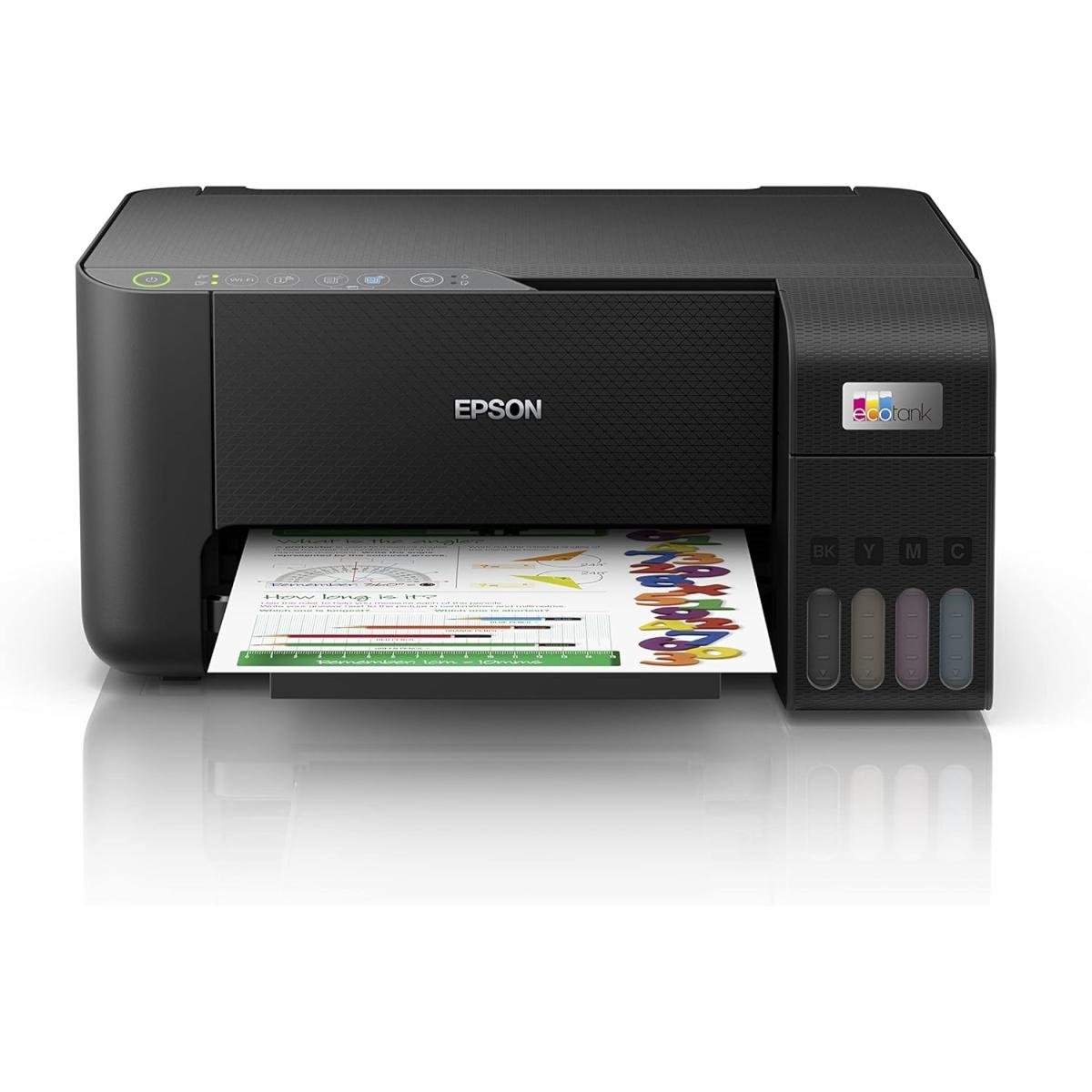 Epson L3250A4 print, copy & scan with Wi-Fi. Uses 103 ink.View product →Busy office
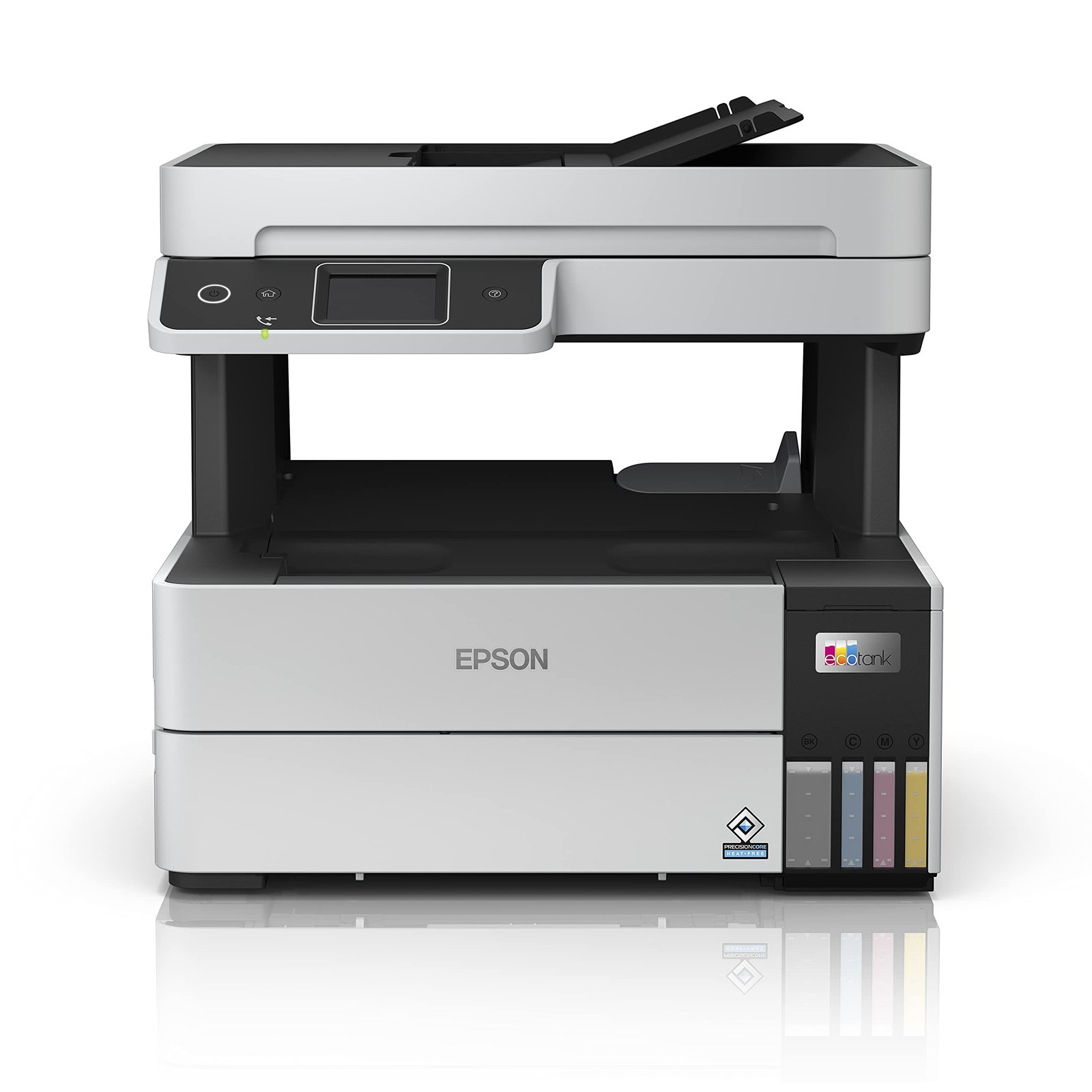 Epson L6490ADF, auto duplex, fax & Wi-Fi. Pigment 112 ink.View product →A3 printing
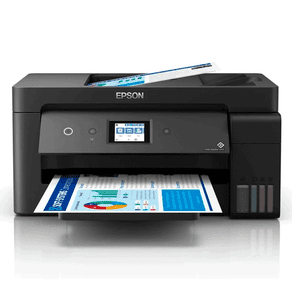 Epson L14150A3+ printing, ADF, fax, Wi-Fi & Ethernet.View product →Photos
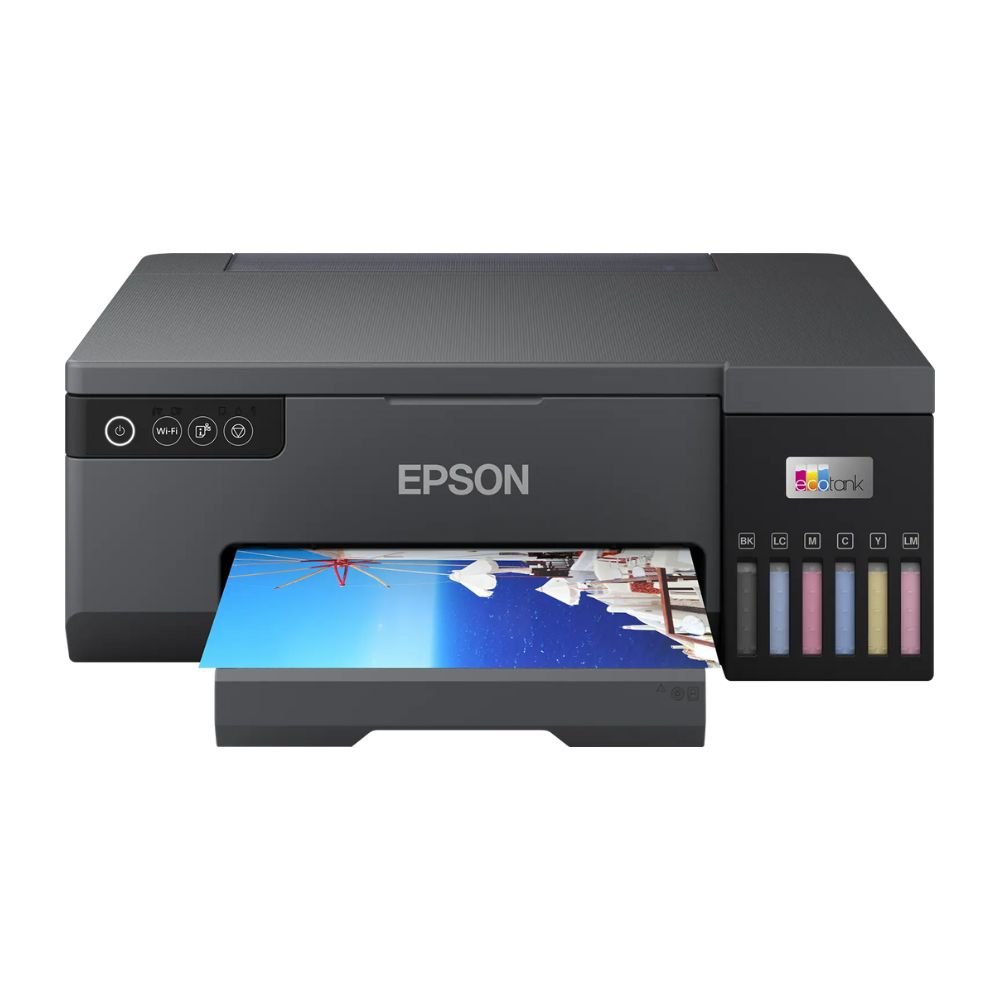 Epson L80506-colour A4 photo printer. Uses 108 ink.View product →
In this guide we compare the Epson EcoTank printers available at RMZTEK, explain the differences in plain language, and recommend the right model for each type of user.
Why Choose an Epson EcoTank Printer?
- Very low running costs: ink comes in bottles that refill the printer’s tanks directly, which costs far less per page than cartridges.
- High page yields: one set of bottles prints thousands of pages, so you refill much less often.
- Wireless printing: all the models in this guide support Wi-Fi, so you can print from laptops, phones and tablets.
- Less waste: no empty cartridges to throw away every few weeks.
Epson EcoTank Comparison: Which Model Is Right for You?
| Model | Best for | Size | Functions | Ink |
|---|---|---|---|---|
| EcoTank L3250 | Home, students | A4 | Print, copy, scan · Wi-Fi | Epson 103 |
| EcoTank L3350 | Home, students, home office | A4 | Print, copy, scan · Wi-Fi & Wi-Fi Direct | Epson 103 |
| EcoTank L6270 | Small offices | A4 | Print, copy, scan · Wi-Fi | Epson 101 |
| EcoTank L6490 | Busy offices | A4 | Print, copy, scan, fax · ADF · auto duplex · Wi-Fi | Epson 112 (pigment) |
| EcoTank L14150 | Offices that need A3 | A3+ printing | Print, copy, scan, fax · ADF · Wi-Fi & Ethernet | Epson 101 |
| EcoTank L8050 | Photo printing | A4 | Print only · Wi-Fi · 6-colour photo ink | Epson 108 |
| EcoTank L18050 | Professional photo & A3 prints | A3+ | Print only · Wi-Fi · 6-colour photo ink | Epson 108 |
Best EcoTank Printer for Home and Students
For homework, school projects, documents and everyday family printing, a compact A4 all-in-one is all you need. The Epson EcoTank L3250 and the newer Epson EcoTank L3350 print, copy and scan, connect over Wi-Fi and use affordable Epson 103 ink bottles. They fit easily on a desk and keep printing costs low even when students print a lot. If you want wireless printing straight from your phone without a router, the L3350’s Wi-Fi Direct support makes it especially convenient.
Best EcoTank Printer for Small Offices
Small offices usually print more pages every day and need features that save time. The Epson EcoTank L6270 is a step up from the home models and is built for higher office workloads. If your team scans and copies multi-page documents, choose the Epson EcoTank L6490: its automatic document feeder (ADF) lets you scan or copy stacks of pages in one go, automatic duplex printing saves paper, and it adds fax for offices that still need it. The L6490 uses Epson 112 pigment ink, which produces sharp, durable text ideal for business documents.
Best EcoTank Printer for A3 Printing
Architects, engineers, schools and marketing teams often need larger prints. The Epson EcoTank L14150 prints up to A3+ while keeping EcoTank’s low running costs, and includes an ADF, fax and both Wi-Fi and Ethernet for easy sharing across the office.
Best EcoTank Printer for Photos
If photo quality matters most, choose a model with six-colour photo ink. The Epson EcoTank L8050 is a dedicated A4 photo printer for photographers, studios and creative users, while the Epson EcoTank L18050 adds A3+ printing for larger photos, posters and professional work. Both use Epson 108 six-colour ink for rich, accurate colours.
Which Ink Does My Epson EcoTank Printer Use?
Each EcoTank series uses its own ink number, and bottles are not interchangeable between series. Use the comparison table above to find the right ink for your printer, or browse all Epson ink bottles. In short: the L3250 and L3350 use Epson 103 ink, the L6270 and L14150 use Epson 101, the L6490 uses Epson 112 pigment ink, and the L8050 and L18050 use Epson 108 photo ink.
Tips Before You Buy
- Estimate how much you print: a few pages a day suits a home model; dozens of pages a day calls for an office model.
- Decide if you need scanning and copying: photo printers like the L8050 and L18050 are print-only.
- Think about paper size: only choose an A3+ model if you really need larger prints.
- Check connectivity: all models here offer Wi-Fi; choose Ethernet if you want a wired office network connection.
- Plan your ink: buy a spare multipack, such as the Epson 103 4-colour multipack, so you never run out at the wrong moment.
Frequently Asked Questions
Is an EcoTank printer worth it?
For most users, yes. The printer costs more than a basic cartridge printer, but the much lower cost per page usually pays back the difference quickly, especially for families, students and offices that print regularly.
Can I print from my phone?
Yes. All EcoTank models in this guide support wireless printing, and Epson’s Smart Panel app makes it easy to print and scan from your smartphone.
Where can I buy Epson EcoTank printers in Jordan?
You can order all the models in this guide online from RMZTEK with delivery all over Jordan. Browse our full range of inkjet printers, or contact us on WhatsApp if you would like help choosing the right model.
For full technical specifications of each model, visit the official Epson website.
Not sure which EcoTank fits you?
Tell us what you print and we’ll recommend the right model. Delivery all over Jordan.